 Career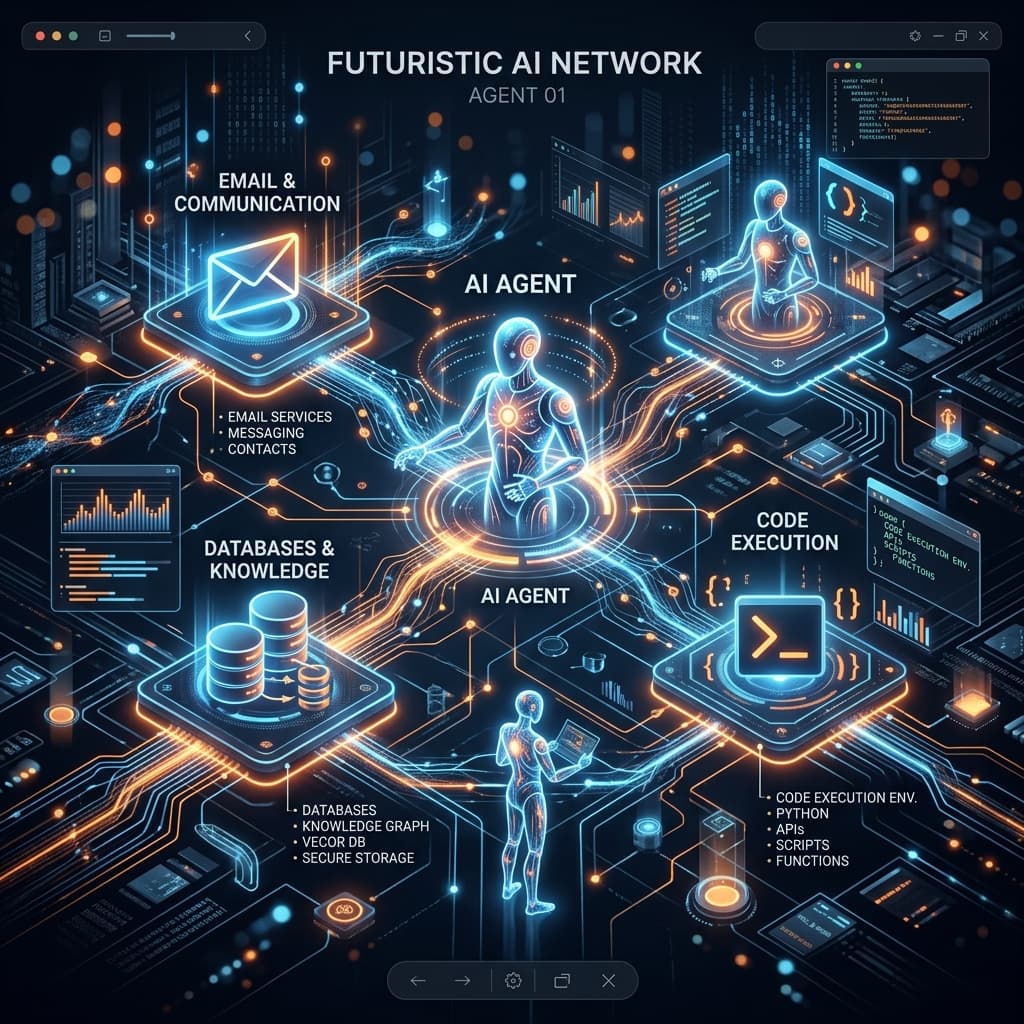
Integrating AI Agents into Your Daily Toolkit
We are transitioning from the era of "AI Copilots" (which assist you while you work) to "AI Agents" (which execute tasks autonomously on your behalf). An AI agent is essentially an LLM equipped with tools—the ability to search the web, read files, execute code, or interact with APIs.
This guide explores how you can start integrating AI agents into your daily digital toolkit to automate complex, multi-step workflows.
What Makes an AI Agent?
Unlike a standard ChatGPT session, an AI agent operates in a loop:
- 1.Perceive: It receives a goal.
- 2.Plan: It breaks the goal down into steps.
- 3.Act: It uses tools (like an internet browser or an API client) to execute a step.
- 4.Observe: It reviews the result of its action and decides what to do next.
Practical Integration Use Cases
1. The Autonomous Research Assistant
Instead of spending hours Googling, reading, and summarizing, you can deploy a research agent.
- How it works: You use a framework like LangChain or AutoGen to create an agent equipped with a Web Search tool and a Web Scraper tool.
- The Goal: "Research the top 5 competitors in the AI accounting software space. Summarize their pricing models and key features in a markdown table."
- The Result: The agent autonomously searches, reads multiple websites, synthesizes the information, and delivers a formatted report.
2. Email Triage and Drafting
Connecting an agent to your inbox can transform how you handle communications.
- The Setup: Connect an agent to your email via API (e.g., Gmail API) with "read" and "draft" permissions.
- The Workflow:
- 1.The agent monitors incoming emails.
- 2.It categorizes them (Urgent, Newsletter, Client Query).
- 3.For client queries, it queries your internal company wiki or database for the right answer.
- 4.It drafts a personalized response for your review.
- The Result: You wake up to an inbox where routine questions already have drafted replies waiting for your single-click approval.
3. Data Cleanup and Normalization
If you regularly deal with messy spreadsheets or CRM data, an agent can be a lifesaver.
- The Setup: Give an agent access to a Python execution environment (like a Jupyter notebook sandbox) and the messy CSV file.
- The Goal: "Clean this list of customer addresses. Standardize the state abbreviations, format the zip codes correctly, and identify any duplicates."
- The Result: The agent writes the Python code, executes it, checks for errors, fixes its own code if it fails, and provides the cleaned dataset.
How to Get Started
You don't need to be a senior machine learning engineer to use agents today.
- 1.No-Code Platforms: Tools like Zapier Central or Make.com are adding powerful agentic capabilities that let you connect LLMs to thousands of apps using visual interfaces.
- 2.Low-Code Frameworks: If you know a little Python or JavaScript, frameworks like CrewAI, LangChain, or Vercel AI SDK make it relatively easy to define agents and give them custom tools.
The Golden Rule of Agents
Always keep a "human in the loop." While agents are powerful, they can hallucinate or misinterpret instructions. Always design your workflows so that the agent drafts, prepares, or suggests, but a human approves before any destructive action (like sending an email or deleting data) is taken.
Check Your Career Safety Score
Use the Career Index Calculator to see exactly how AI impacts your specific role — task by task.
Try Calculator — Free